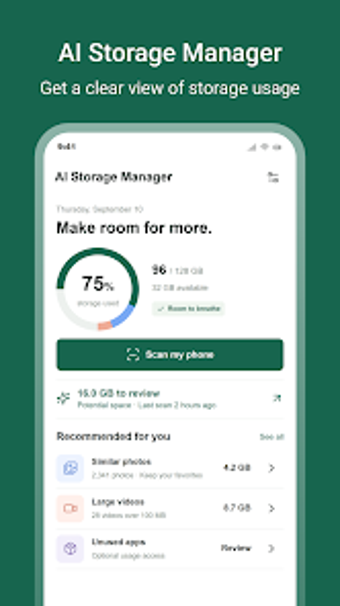
Lightweight AI tool for reclaiming Android storage quickly
Experience AI Storage Manager, by Mobitouch Developer, designed to reclaim Android storage space. The app analyzes photo libraries using AI to flag duplicates, blurry shots, and old screenshots, then groups them for review. It also includes an App Manager to inspect installed apps and an Email Cleaner to remove unwanted messages. The tool targets Android users with cluttered galleries or limited device storage who want a controlled, assisted cleanup workflow.
What the tool actually inspects and removes
AI Storage Manager scans media and mail to identify reclaimable items: duplicate and similar photos, blurry or accidental shots, old screenshots, large forgotten videos, and supported email content. The scanner groups results so users can review by category before any action. In addition, the integrated App Manager lists installed applications with their storage usage to help decide which apps to remove or investigate.
Does it affect device resources during scans?
The installer size is under 4MB and the design emphasises low resource use, making it suitable for devices with limited space. Scans run on-device after granting standard storage permissions, so the app does not rely on remote upload to analyze files. User confirmation is required for deletions, which keeps the app from performing unapproved background removals while scans run.
Is it safe and how much technical knowledge is needed?
The app requires storage permissions to function and explicitly asks users to confirm deletions, which enforces a manual safety checkpoint. The grouped presentation of similar items reduces the need for technical expertise: users can accept or reject suggested duplicates and blurry images without navigating advanced settings. The Email Cleaner reviews supported messages before removal to limit accidental loss of important mail.
Practical pick for everyday cleanup with one notable trade-off
AI Storage Manager is a practical option for Android users who need assisted photo and email decluttering and a quick way to inspect app storage, given its under-4MB footprint and AI grouping. The single caution is that it requires granting storage permissions to operate; users who prefer zero-permission tools must weigh that requirement against the convenience offered.